Choose one photo
Veyqel's HD photo converter accepts one JPG, JPEG, PNG, or WebP file up to 10 MB. Start with the least compressed copy you have.
Use Veyqel's HD photo converter to upload one photo and make a larger JPEG. Compare it with the original before you decide which file to download.
Two free conversions daily
Choose one JPG, JPEG, PNG, or WebP image up to 10 MB.
Drag to compare
An HD photo converter can enlarge an image without making every detail more accurate. Move the handle across the same photo and look closely at faces, hair, knitwear, and the edges in the background.

Illustrative example
Use the comparison to check the parts you care about, then decide which version to keep. Results depend on the source image.
Try it with your photoVeyqel's HD photo converter accepts one JPG, JPEG, PNG, or WebP file up to 10 MB. Start with the least compressed copy you have.
The status changes as your file uploads and the larger version is made. Leave the page open while it runs.
The finished comparison places both versions together. Check faces, words, and edges, then save the JPEG if it looks right.
The HD photo converter is easier to judge with a picture you know well. Familiar faces, readable labels, and straight edges give you clear points to compare after the conversion.
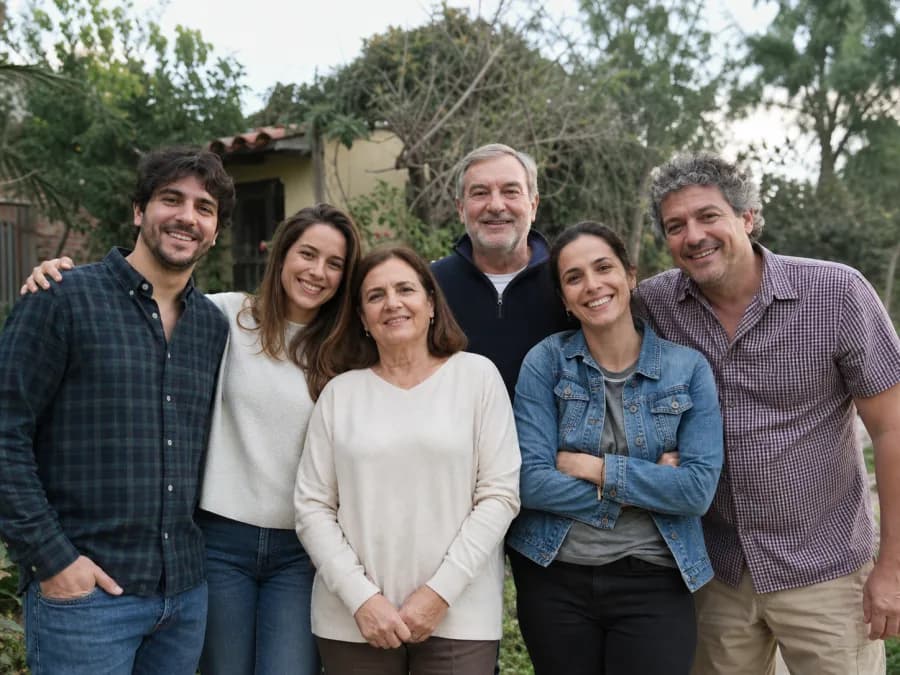
Use a familiar group photo for your first test. You will notice small changes in faces, hair, and clothing.
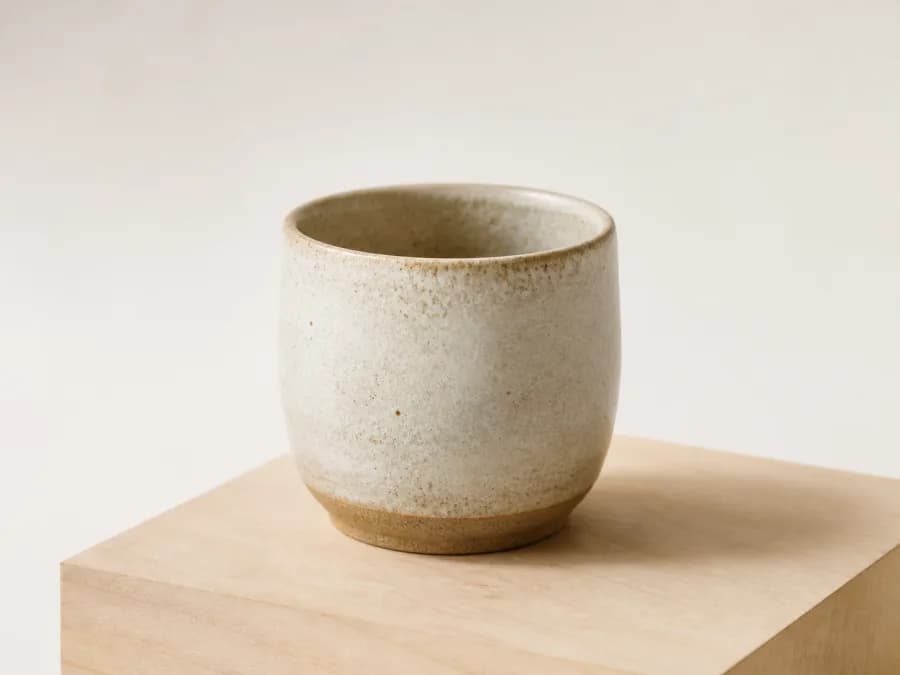
Try the HD photo converter on a product with straight edges or a readable label. Compare the lettering and surface texture before downloading.
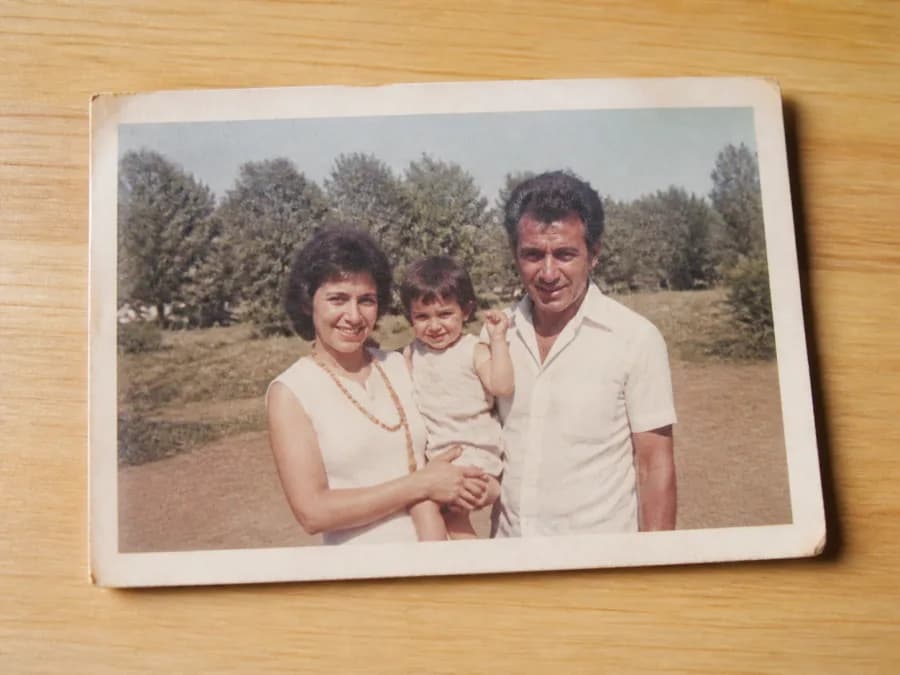
An old scan lets you test Veyqel's HD photo converter on softened details. Use the cleanest scan you have, then inspect faces and print edges closely.
Veyqel's HD photo converter sends an existing image to an AI upscaler and returns a larger JPEG beside the original. You choose one file and run one conversion. There are no enhancement sliders or model menus to work through.
An HD photo converter can make a small file more practical for a print, listing, presentation, or tighter crop. It cannot bring back information the camera never captured. Faces, lettering, fabric, and repeated patterns still need a close look.
Start with the least compressed copy you can find. A photo saved from a message thread may already have lost useful detail, so use the camera or phone original when you still have it. Judge the HD photo converter result at the size where it will actually appear. Zoom in on faces and words. Look at repeated shapes and hard edges too. If something looks invented, keep the source. A bigger file is useful only when the picture still looks right.
The tool sends your file to fal.ai for temporary storage, then sends the temporary input link to Replicate. Replicate runs Real-ESRGAN inference and returns the output. Input and output links may be publicly reachable while available. Do not upload private, confidential, or unauthorized material. Veyqel does not create an account or personal conversion gallery.
Yes. You get two conversions in this browser on each local calendar day. Veyqel's HD photo converter stores the count in this browser, so a different browser or device has its own allowance.
Veyqel's HD photo converter accepts one JPG, JPEG, PNG, or WebP file up to 10 MB. It checks both the file extension and image type before reserving a conversion.
The production AI model returns a PNG. Veyqel shows the original and larger versions together, so you can check the result before downloading it.
fal.ai temporarily stores your uploaded image. Replicate runs Real-ESRGAN inference using that temporary input link and returns the output. Veyqel does not create an image history, but input and output media links may be publicly reachable while they remain available.
Review the result beside the original. Veyqel's HD photo converter may change faces, small lettering, fabric, or repeated shapes while making the image larger. Check those areas at the size where you plan to use the photo, and keep the original when a detail looks wrong.
Two free conversions per browser today
A photo you know well makes changes easier to spot. The HD photo converter gives you both versions to inspect, so check the faces, words, and edges your eye goes to first before you save the JPEG.
Choose a photo